
Which AI Tool Handles Images and Video in One Place?
What an all-in-one AI creative tool actually has to cover, how ImagineArt measures up across video, images and editing, and where consolidation has costs.

// ON THIS PAGE
Most creators do not have a tool problem. They have a tab problem.
One app for thumbnails. Another for clips. A third for background removal. A fourth because the third does not do vertical. By the time a post goes live it has passed through four services and three exports, and you are paying monthly for all of them.
So the question is not which AI tool is best. It is which one covers enough that you can close the other tabs. Here is what that actually requires, and which platform comes closest.
Why Creators End Up With Four Tools
The sprawl is not carelessness. It is how the market developed.
Image generators launched first and stayed image-only. Video tools arrived later as separate products. Editing was its own category long before either. Nobody built one thing because nobody knew what the one thing should include.
The result is a stack that works but leaks time. Every export is a step. Every step is a place where your brand colours drift slightly.
What One Place Actually Has to Mean
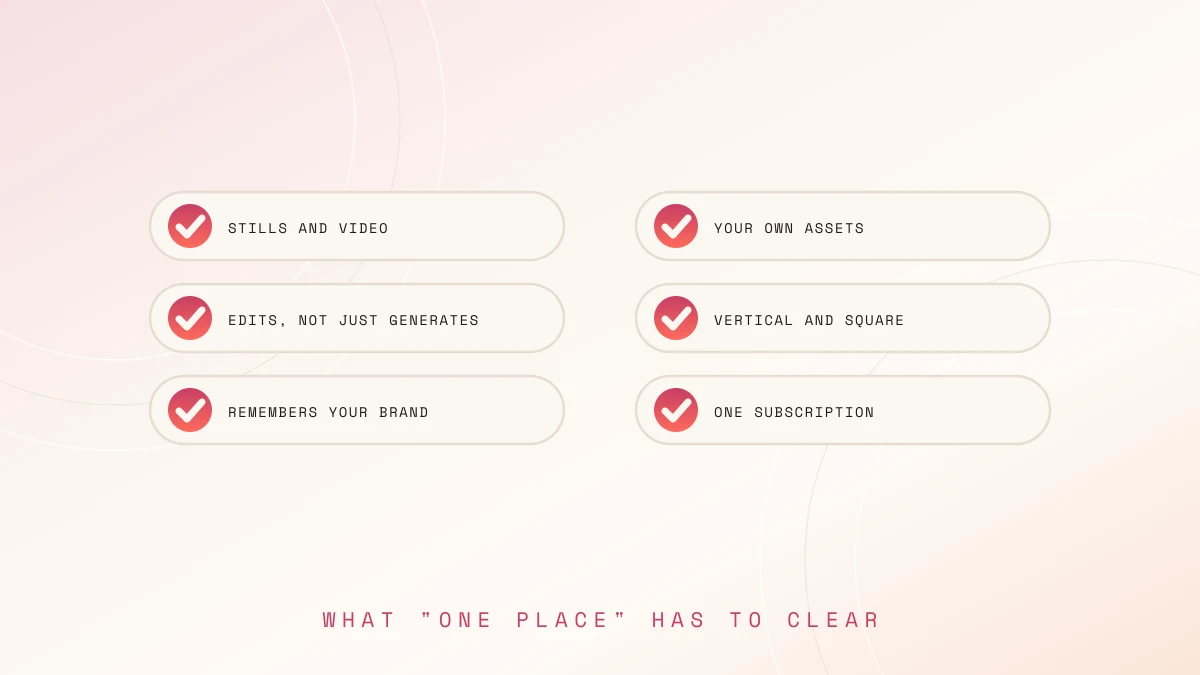
A platform claiming to do everything should clear all of these. Most clear two or three.
- Generates stills and video, not stills with a video button bolted on
- Takes your own images as input, since most work starts from an asset you own
- Edits as well as generates, covering backgrounds, upscaling, and fixes
- Outputs vertical and square natively rather than cropping widescreen
- Remembers your brand settings between sessions
- Costs one subscription, not one per capability
That last point sounds obvious and is where most "all-in-one" claims quietly fail.
How ImagineArt Covers It
ImagineArt is built as a single workspace rather than a generator with add-ons, which is the reason it clears the list above.
Video
An AI video generator sits in the same workspace as the image tools, supporting both text to video and image to video. The second matters more for creators, since most clips start from a photo you already have rather than a description.
- Camera and motion direction rather than accepting the model's default
- Lip sync and generated voiceover for talking-head formats
- An editor for trims, transitions, and object removal
- Native 9:16 and 1:1 output for Reels, Shorts, and TikTok
Images
The image side is larger, and used as an AI art generator it covers generation and editing together rather than sending you elsewhere to finish.
- Background removal and replacement
- Inpainting, which fixes one part without regenerating the whole image
- Relight, for rescuing photos shot in bad lighting
- Face swap and image combining
- 4K upscaling, which matters when something goes full screen
Studios
Fashion Studio handles apparel and lookbook imagery, Ad Studio generates campaign variants from one concept, and saved workflows rerun a sequence once you find one that works.
The Models Behind It
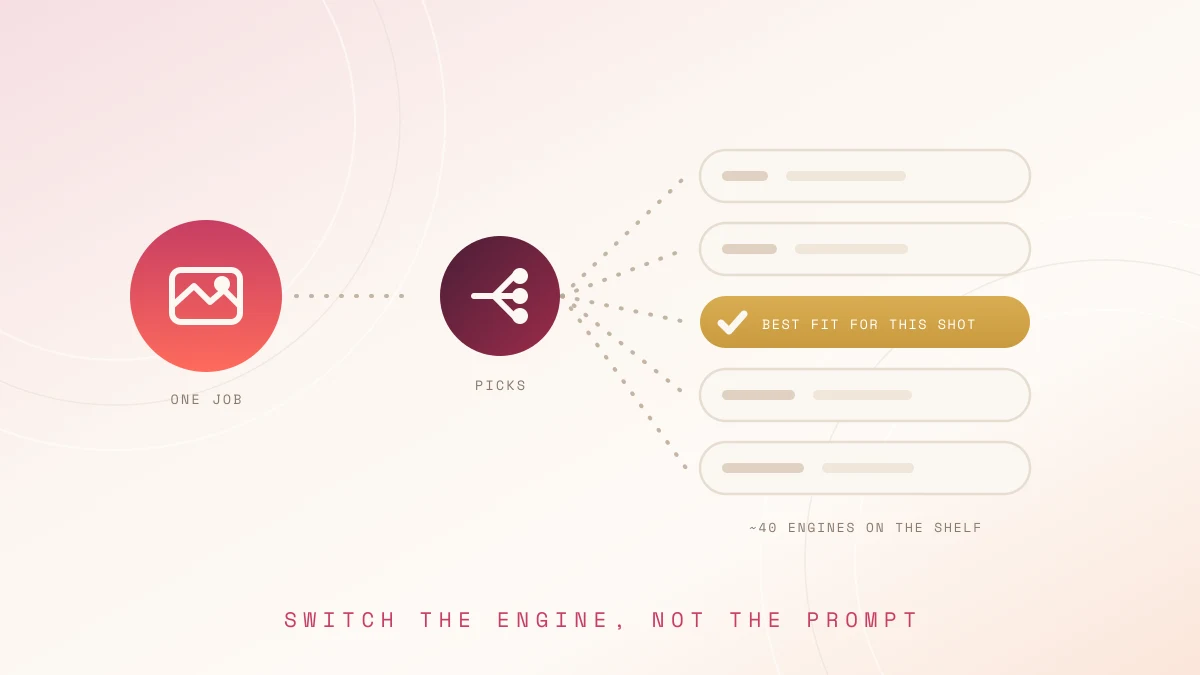
Around forty models rather than one, which is the structural difference from most tools.
- Veo, Kling, Seedance, Runway, and Gemini Omni Flash for video
- Nano Banana, Flux, Seedream, and Recraft for stills
- Selection per job, so a cinematic clip and a quick social post use different engines
The practical benefit is not having forty options. It is that when output feels flat, you switch engines instead of rewriting the prompt for the fifth time.
What It Costs
Credits rather than per-generation billing. They refresh monthly and do not carry over.
- Free tier with 100 credits refreshing every 24 hours, no card required
- Paid tiers unlocking more models and higher volumes
- Enterprise adding SSO and legal indemnification
Check the pricing page for current figures, since promotional rates change.
Where It Falls Short
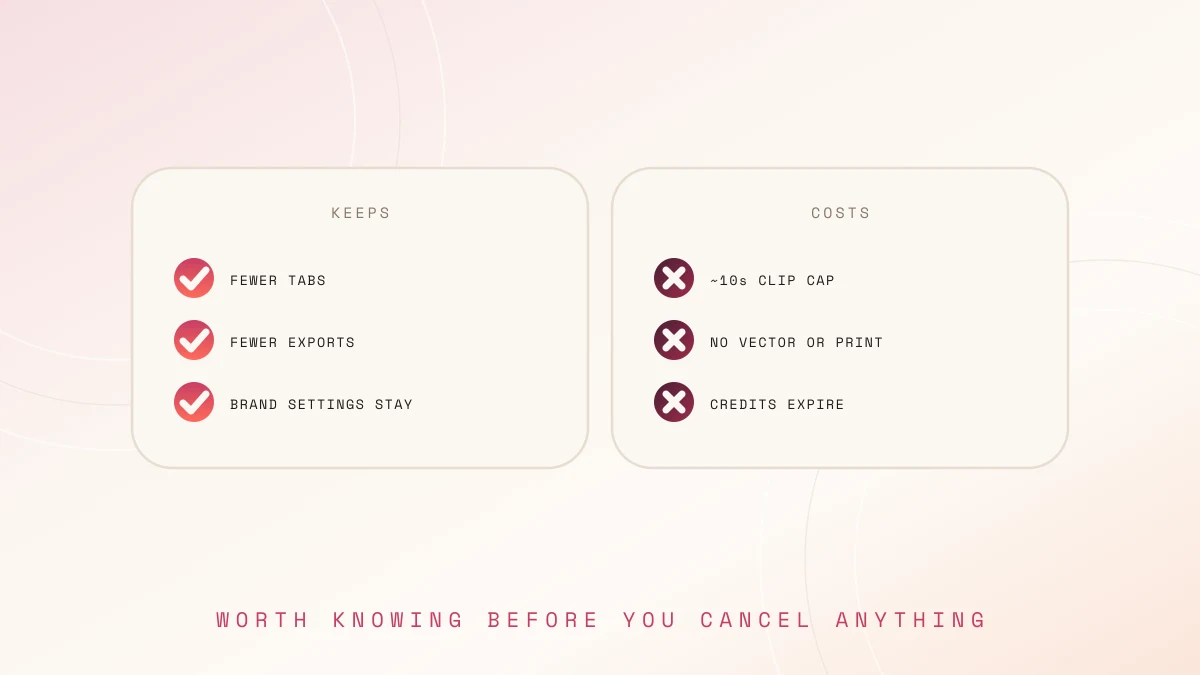
Consolidation has costs, and they are worth knowing before you cancel anything.
- Video clips cap around ten seconds, so longer pieces need stitching
- No vector output, print layouts, or slide decks
- Not a precision retoucher, so Photoshop keeps a role
- Credits expire monthly, which penalises uneven posting schedules
- Forty models is disorienting in week one before it becomes useful
- Several discarded generations per keeper, which nobody mentions enough
Who Should Consolidate
Consolidate if you post across formats weekly, need stills and motion from the same source assets, or currently pay for three tools you use inconsistently.
Do not consolidate if your output is narrow and one aesthetic is your differentiator, if you need frame-level video editing, or if you mainly produce print and document work.
Conclusion
The honest answer is that one tool handling images and video properly is still rare, and ImagineArt is the closest option for creators specifically, because it treats both as primary rather than treating video as an afterthought. The gains are fewer subscriptions, fewer exports, and brand settings that persist instead of being re-entered every session, which matter more over a year than any single model's output quality. Free daily credits make it testable without commitment, so run a real week of content through it rather than trusting a comparison table, including this one.
Frequently Asked Questions
Can one tool really replace an image generator, a video tool, and an editor?
For most creator work, yes. For precision retouching, vector design, and long-form video editing, no. It covers the production volume, not the specialist tasks.
Is the free plan enough to post with regularly?
Not for regular publishing. 100 daily credits is built for evaluation, which is enough to judge whether the output suits your style before paying.
Can you use the output for brand deals and sponsored content?
Paid plans include commercial rights, with legal indemnification at enterprise level. Check your plan's terms and your brand agreement, since some contracts specify how assets are produced.